
Video conferences (VC), are now commonplace. When we arrange a meeting, we often assume that we will be online and not in person, and whilst we can debate the benefits of ‘in person’ versus ‘online’, I think VC is here to stay.
Where we get into a ‘grey area’ is when we have some people meeting in person in a venue, and some joining them remotely, for whatever reason; they may be unable to travel due to budgetary, time or health reasons, or just because the invitation wasn’t read properly! This results in a ‘Hybrid Meeting’; some people are in the room and some ‘outside’ the room.
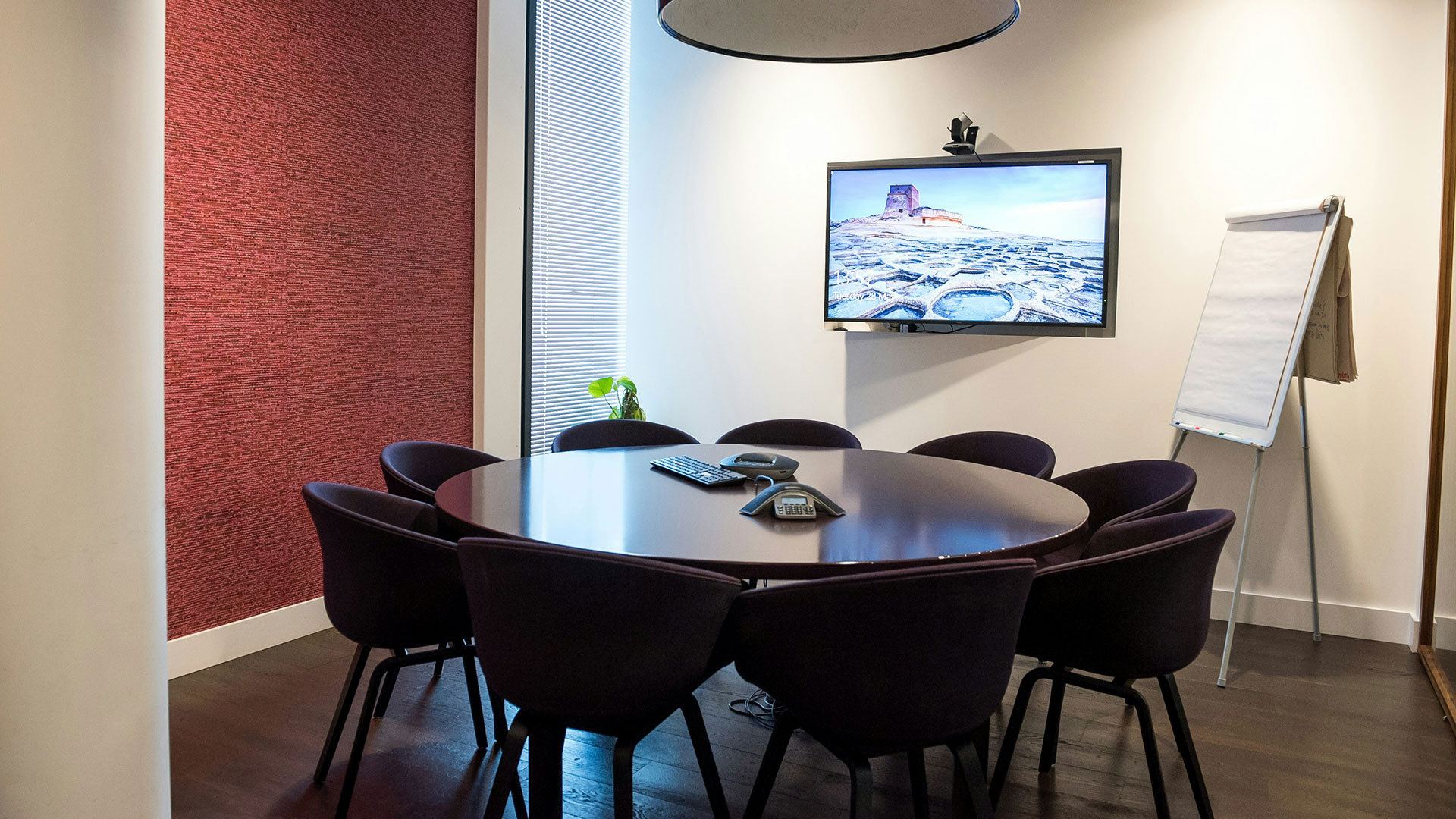
The hybrid nature of this situation makes the requirements of your technology change a little, and this may vary with the size of the room and if the purpose of the gathering is for a ‘presentation’ or a more interactive ‘meeting’. To fully embrace Hybrid Meetings on whatever scale, or for whatever purpose, you need to get the in-room AV infrastructure right. Things to consider include:
Screen sharing
You should be able to show the same content on the in-room display as on the VC, so all delegates can see the presentation or the points for discussion.
Presentation sound
If a presenter is speaking from a lectern or radio microphone, is this sound routed to the VC for remote attendees, as well as to the room if there are a large number of in-person delegates?
Do you want the audience to be heard by remote callers during the presentation? What about the Q&A? Will there be the opportunity to ask questions from the Floor, and how will everyone hear and participate equally no matter where they are, to ensure that everyone has an equal opportunity to get their views heard?
Meeting sound
In addition to the points raised above, in a larger meeting, with more than 6 people sitting around a desk or in a room, how will you ensure that the person speaking can be heard and seen on the VC?
Many of the VC solutions have auto tracking, which tries to ensure that the camera shows the person speaking by moving to the source of the sound. Unfortunately, the end result here is that all of the remote delegates feel ‘seasick’, and in fast-moving conversations, the camera never quite catches up with the person speaking!
Some of the VC solutions offer framing that puts each in-person delegate in a separate ‘window’, so they appear as if they are in different rooms. This prevents the camera from moving excessively, but there is a limit to how many delegates these systems can process in a room.
Public vs Private
If the meeting is public, or open to the public, and or if the stream is accessible to the general public, do you have permission to share information and images of everyone present? Certainly in many live streams, for example from churches, we come across safeguarding issues where people (both children and vulnerable adults) need a way to participate without being seen or identified online.
So what’s the solution?
Not all of the above can be managed with technology. Some of the resulting situations require delegates to be mindful of others, some may require a moderator to watch and manage who is speaking and to ensure that they are visible.
Technology that can help with this includes ceiling-mounted microphones, (with beam steering technologies), that will pick up sound from anyone in the room, (with the ability to mute this microphone when appropriate). A combination of over / under screen and in-room PTZ cameras that can be switched easily between, to allow a view of the room from separate angles to cover all delegates where relevant. Digital / AI processing in cameras to make all the in-room delegates appear in the call at all times, as if they are in separate rooms. For the Q&A of a presentation, get all delegates to send questions via a web page or app or WhatsApp, so that both remote and in-room responses are treated in the same manner.
There are a lot of things to consider, but CGA is here to help you achieve the most successful Hybrid Meeting solution for your venue. Whatever type of meeting or presentation you are facilitating, and however technology evolves to meet the needs of our ever-changing world, CGA can advise you. If you would like to find out how your current AV system can be modified to unlock your Hybrid Meeting potential, why not get in touch?
